ZarCanvas

ZarCanvas

A native canvas library for creating modern, visually clean cards. Optimized for social media simulation and music player visuals.

ZarCanvas Banner

Installation

npm install zarcanvas

Usage Examples

01

Music Card

Perfect for "Now Playing" visuals with gradient support.

Full Version (With Progress)
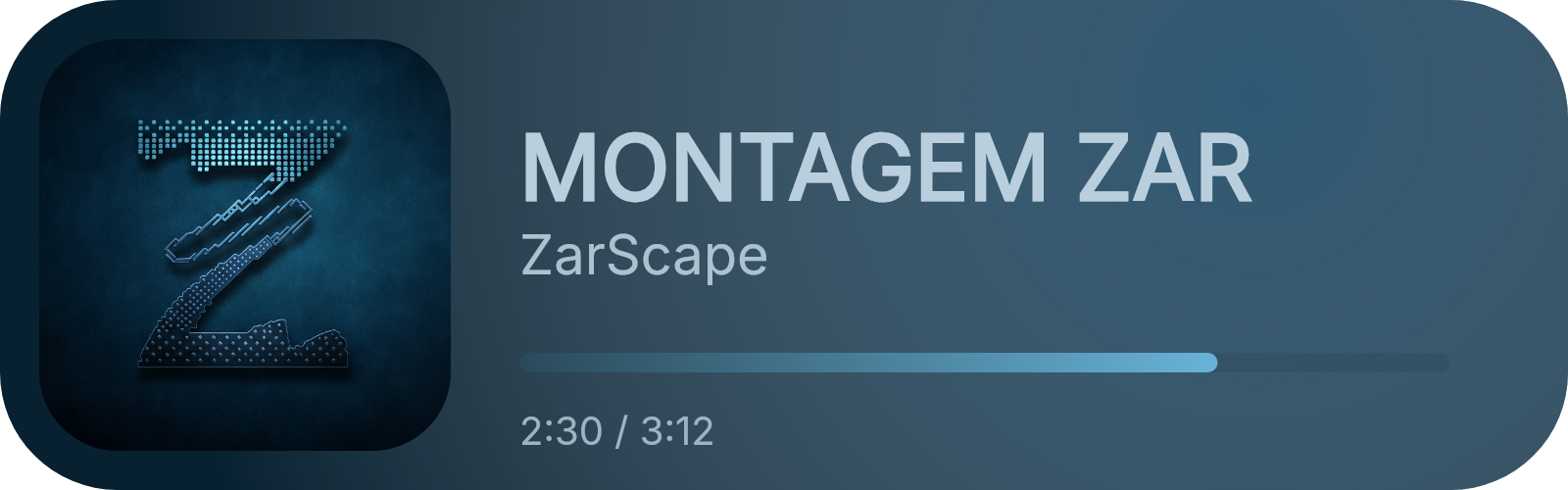
Music Card
import { MusicCard } from 'zarcanvas';
import fs from 'node:fs';

const card = new MusicCard({
  trackName: 'MONTAGEM ZAR',
  artistName: 'ZarScape',
  albumArt: 'https://raw.githubusercontent.com/ZarScape/ZarScape/refs/heads/main/images/ZarScape/logo-with-background.png',
  backgroundColor: '#082131ff',
  gradientColor: '#467ca0ff',
  progressBar: 75,
  progressTime: '2:30 / 3:12',
  trackNameColor: '#bacfddff',
  artistNameColor: '#abc2d1ff',
  progressTimeColor: '#9cb4c4ff',
  progressBarColor: ['#2a4a5aff', '#68b3d8']
});

const buffer = await card.build();
fs.writeFileSync('music_full.png', buffer);

Minimal Version (No Progress)
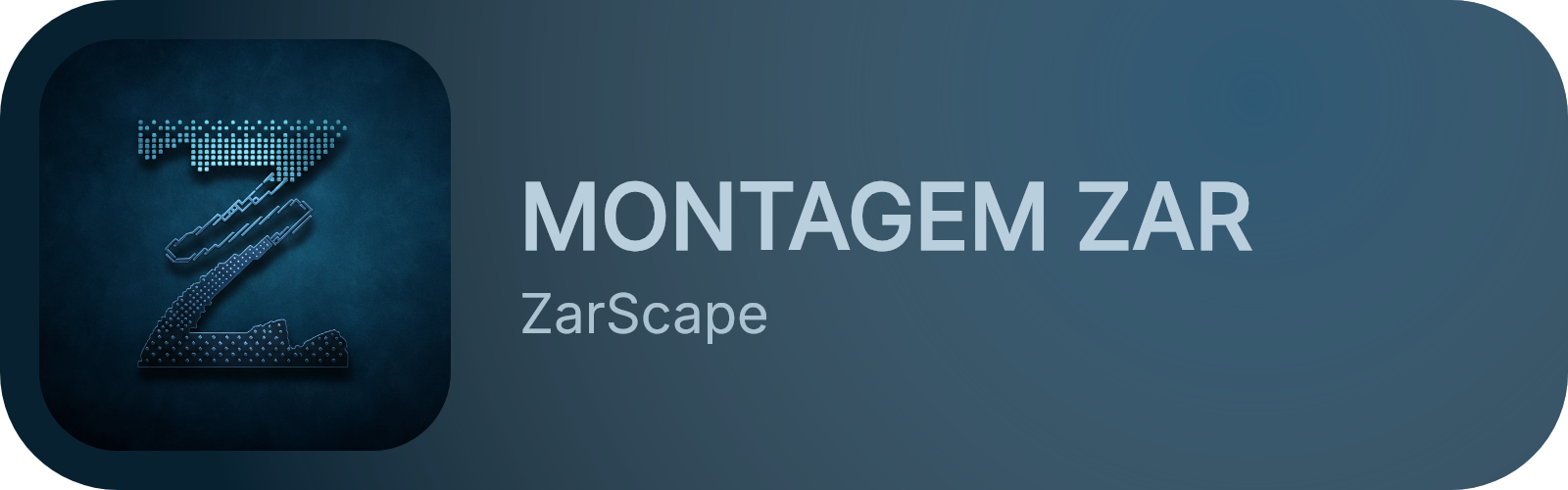
Minimal Card
const minimalCard = new MusicCard({
  trackName: 'MONTAGEM ZAR',
  artistName: 'ZarScape',
  albumArt: 'https://raw.githubusercontent.com/ZarScape/ZarScape/refs/heads/main/images/ZarScape/logo-with-background.png',
  backgroundColor: '#082131ff',
  gradientColor: '#467ca0ff',
  trackNameColor: '#bacfddff',
  artistNameColor: '#abc2d1ff'
});

const buffer = await minimalCard.build();
fs.writeFileSync('music_minimal.png', buffer);
02

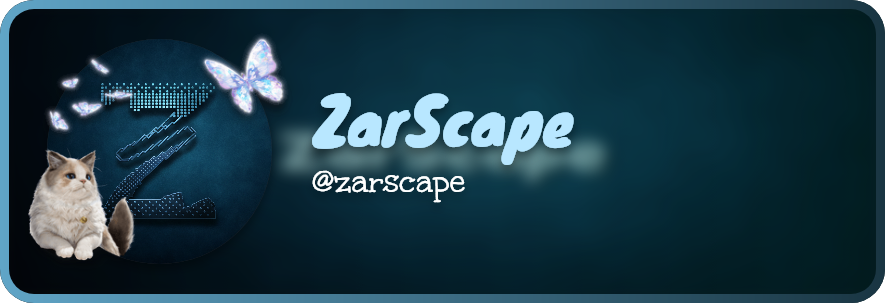
Profile Card

Designer profile card with background blur and frame effects.

Profile Card
import { ProfileCard } from 'zarcanvas';

const card = new ProfileCard({
  avatarURL: 'https://raw.githubusercontent.com/ZarScape/ZarScape/refs/heads/main/images/ZarScape/logo-with-background.png',
  decorationURL: 'https://cdn.discordapp.com/avatar-decoration-presets/a_64c339e0c128dcb279ae201b1190d9d3.png',
  backgroundURL: 'https://raw.githubusercontent.com/ZarScape/ZarScape/refs/heads/main/images/ZarScape/banner-with-text.png',
  userName: 'zarscape',
  userDisplayname: 'ZarScape',
  backgroundBlur: 20,
  usernameColor: '#b8e7ff',
  borderColor: ['#60a5c7', '#193542ff']
});

const buffer = await card.build();
03

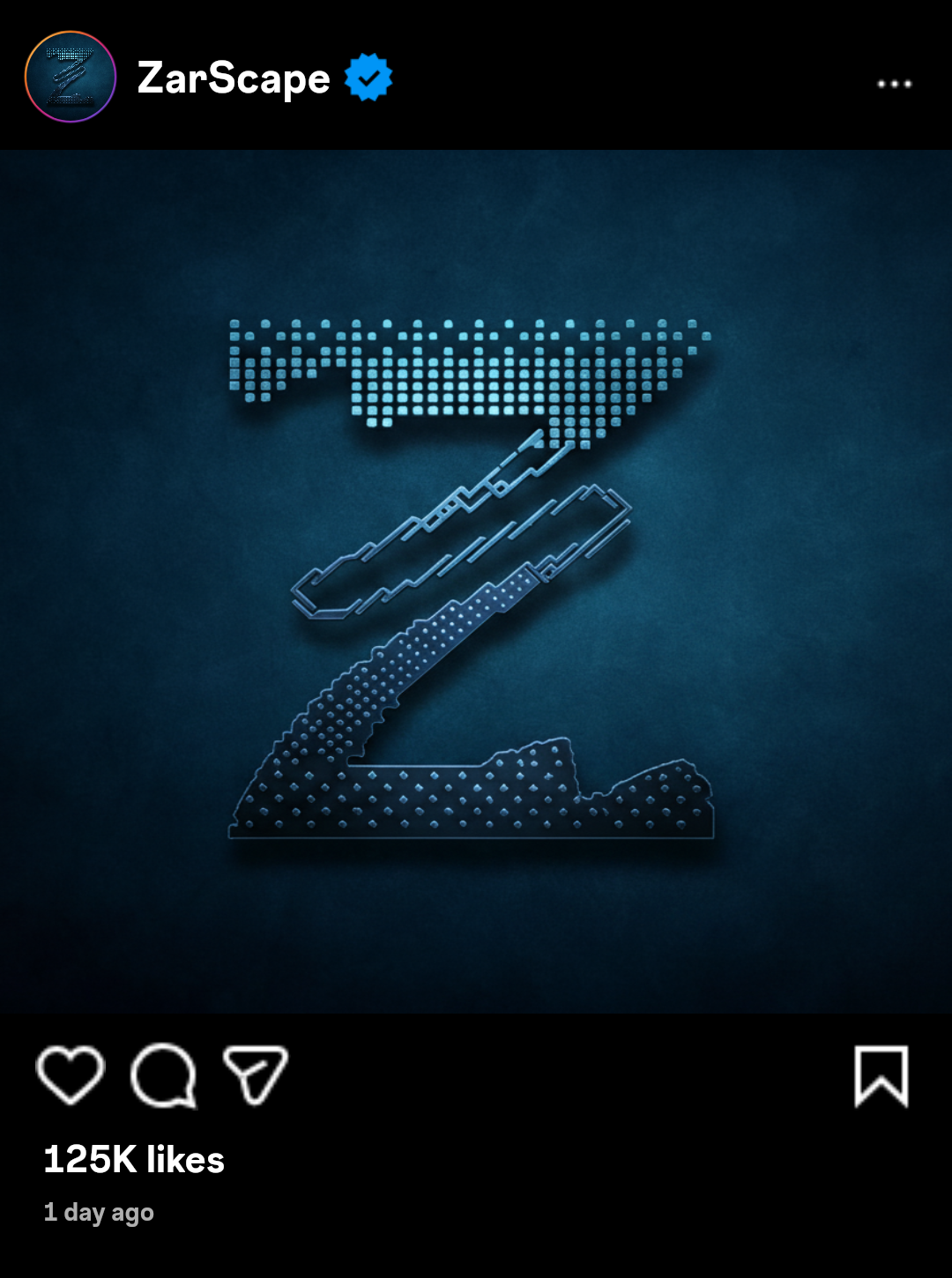
Instagram Card

Authentic Instagram post simulation.

Instagram Card
import { InstagramCard } from 'zarcanvas';

const card = new InstagramCard({
  username: "ZarScape",
  avatar: "https://raw.githubusercontent.com/ZarScape/ZarScape/refs/heads/main/images/ZarScape/logo-with-background.png",
  postImage: "https://raw.githubusercontent.com/ZarScape/ZarScape/refs/heads/main/images/ZarScape/logo-with-background.png",
  likeCount: 125000,
  verified: true,
  postDate: new Date(Date.now() - 86400000)
});

const buffer = await card.generate();
04

Tweet (X) Card

Native X/Twitter post simulation using Chirp fonts.

Tweet Card
import { TweetCard } from 'zarcanvas';

const card = new TweetCard({
  user: { 
    displayName: 'Muhammad Abuzar', 
    username: 'zarscape' 
  },
  message: 'Testing X (tweet) card using ZarCanvas. Looks awesome! #ZarCanvas #Design #ZarScape',
  verified: true,
  stats: {
    replies: 124,
    retweets: 850,
    likes: '12K',
    views: '250K'
  }
});

const buffer = await card.build();
05

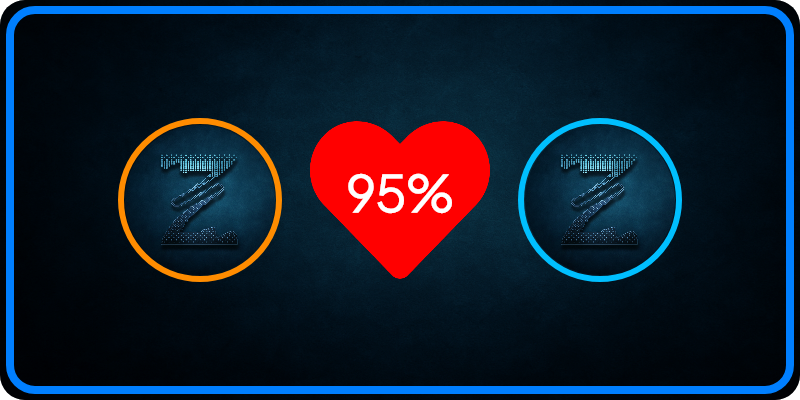
Ship Card

Ship Card
import { ShipCard } from 'zarcanvas';

const card = new ShipCard()
  .setAvatar1('https://raw.githubusercontent.com/ZarScape/ZarScape/refs/heads/main/images/ZarScape/logo-with-background.png')
  .setAvatar2('https://raw.githubusercontent.com/ZarScape/ZarScape/refs/heads/main/images/ZarScape/logo-with-background.png')
  .setPercentage(95);

const buffer = await card.build();

API Reference

MusicCardOptions

Property Type Req Description Default
trackNamestringTitle of the track.-
artistNamestringName of the artist.-
albumArtstringURL or path to artwork.-
backgroundColorstringBackground hex/CSS color.-
gradientColorstringColor for decorative glow.-
trackNameColorstringTrack title hex color.#000000
artistNameColorstringArtist name hex color.#555555
progressBarnumberPercentage (0-100).undefined
progressBarColorstring | string[]Solid or gradient color.#000000
progressTimestringTime text (e.g. "2:30 / 4:00").undefined

ProfileCardOptions

Property Type Req Description Default
avatarURLstringMain profile avatar URL.-
userNamestringThe handle/username (with @).-
userDisplaynamestringLarge display title.userName
backgroundBlurnumberBlur intensity (0-100).20
usernameColorstringHex color for the title.#b8e7ff
borderColorstring | string[]Solid or gradient border.undefined
squareAvatarbooleanUse square instead of circle avatar.false

InstagramCardOptions

Property Type Req Description Default
usernamestringInstagram handle.-
avatarstringProfile image URL.-
postImagestringMain post content image URL.-
likeCountnumberTotal number of likes.-
verifiedbooleanShows blue verified badge.true
postDateDate | numberDate of the post.Date.now()

TweetCardOptions

Property Type Req Description Default
userobject{ displayName: string, username: string }-
messagestringThe tweet content text.-
statsobject{ replies, retweets, likes, views }-
verifiedbooleanShows blue checkmark badge.true
timestampstringRelative time (e.g. "1h").1h
avatarstringProfile image URL.ZarScape Logo

ShipCardOptions

Property Type Req Description Default
avatar1stringFirst user avatar URL.-
avatar2stringSecond user avatar URL.-
percentagenumberLove percentage (0-100).-
backgroundstringBackground image URL.Default Gradient
fontstringCustom font family name.Plus Jakarta Sans

Guide & Tips

  • Images: Use high-resolution square images for avatars to prevent stretching or warping.
  • Gradients: For properties accepting `string[]`, providing 2-3 hex codes creates a smooth professional linear transition.
  • Async Handling: All card generation methods are asynchronous. Always use `await` when calling `.build()` or `.generate()`.

ISC © Muhammad Abuzar (ZarScape)

Designed with ZarCanvas Documentation